The Human Nudge to Your Agentic Coding Workflow
In Ovid’s metamorphosis, King Midas requests a gift from the god Bacchus that everything he touches, turns to gold. Unbeknownst to King Midas, Bacchus would grant this request literally, so that everything he touches turns to gold, including food and wine needed for daily sustenance. My personal reading of the small story is that greed creates folly and hampers proper judgement and reasoning. Perhaps another lesson is that improper instructions, often result in improper results.
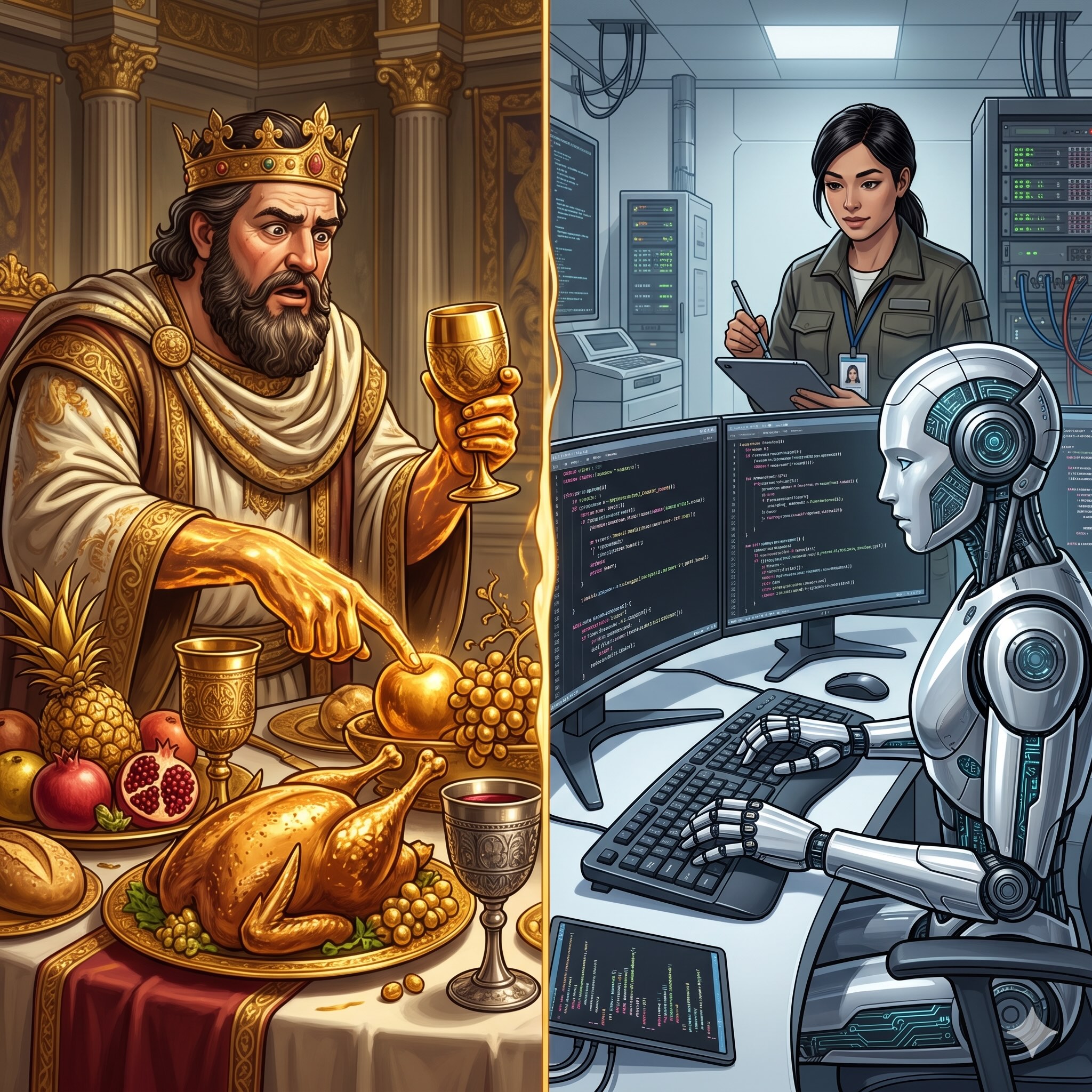
As AI agents become more integrated into our coding workflows, how can we utilise them in such a way whereby we do not become too reliant on their seemingly golden agentic touch, but instead, how do we give them the human nudge so that they can perform their work better? Below are some tips and tricks that you (engineers, developers, programmers, and BAs) can employ in your code. Starting today!
Markdown Instructions
The first step it to utilise agentic markdown instructions, the location of these change from agent to agent, but GitHub Copilot stores these in .github/copilot-instructions.md. You should treat these as any README, but also be explicit to the agent about certain things like:
- Code entry points;
- Automated Testing; and
- Conventions.
Structure your markdown files by utilising heading hierarchy appropriately. For example: make H2 scenarios and H3 the possible states of that scenario. Think of these as defining code blocks within an IF statement.
Anecdotally, when I want an agent to limit their inferencing, I am explicit in my English and opt for words such as “always”, “regardless of input”, and “clarify”. For example
- “AI Agent should always use
PascalCase” ; and - “If a new property is added, always add it in alphabetical order”.
Finally, do not hesitate in adding small code snippet examples to your agent as an instruction for code convention.
Business Context
In mature code bases where changes have occurred incorrectly due to communication breakdown between business analysts and engineers, consider adding instructions into the markdown files for clarification to prevent a similar, future communication breakdown.
For example a clarification question an engineer may ask a business analyst is whether a field to be added is optional or mandatory in a model. Occasionally, an engineer may forget to ask this question (or assume one way or another), but building this stop gap into your agentic flow would trigger the question to be asked by the agent itself.
The below is an example of what would be added to an instructions Markdown file:
## Scenario: User asks to add a new field the class `Person.cs`

Always ask (regardless of assumptions) whether this field is optional or mandatory

### If optional

Decorate the field with [Optional]

### If mandatory

Add the field without the decorator [Optional]
Capture for Human Error
Error is inherent to our nature as humans, that’s not to say that we endeavour to commit error but that for a long time, we have known, as a species, that although we can do many things correctly, we inevitably make errors. Computer programs, on the other hand if given clear instructions, will continue to follow procedure without error. Agents, as they rely on pattern matching and machine learning, may produce error depending on the training data set.
What Agents struggle with, is predicting human error in the actual instructions (via prompts) given to them. Similar to clarifying business requirements above, it is a good idea to capture for common human error scenarios. For example, clarifying casing, even if the user has given a certain casing in their input.
Conclusion
Just like everything King Midas touched turned to gold, but didn’t necessary become valuable, likewise not every line of code your AI agent touches will result in the highest valuable code. This is why, unlike Midas, we need to be specific in our instructions in the help we require. Guiding agents in a way that will increase the value of the code that’s generated from your agentic workflow.